
 Morgan Hvidt@morganhvidtSynced
Finally, a cross-posting tool that just works I'm saving 3+ hours a week.

Ready to post
The enjoyable social marketing app for creators and professionals.
Publish across platforms, reply to comments & DMs, setup automatons
..and give access to your team (human or agentic) .
Compose
Posting to 2 accounts
Morgan Hvidt Morgan Hvidt
Finally, a cross-posting tool that just works I'm saving 3+ hours a week.
Morgan Hvidt@morganhvidtSyncedFinally, a cross-posting tool that just works I'm saving 3+ hours a week.
Ready to post
Morgan Hvidt@morganhvidtSyncedFinally, a cross-posting tool that just works I'm saving 3+ hours a week.
Ready to post
Create one post, choose every account, preview each platform, and publish or schedule from one place. Every post is checked against each platform's real limits before it goes out, so nothing fails silently.
Supported platforms
 Robyn R2m ago
ok I actually need this. GUIDE please!!
Direct message, sent for you
Hey! Here's the guide I mentioned: getposting.com/guide
Sent automatically, 2 min after the comment
Pick a keyword, write the message once, and anyone who comments it gets a private message from you. One short form, a start button, and then it runs, on Facebook, Instagram, and X.
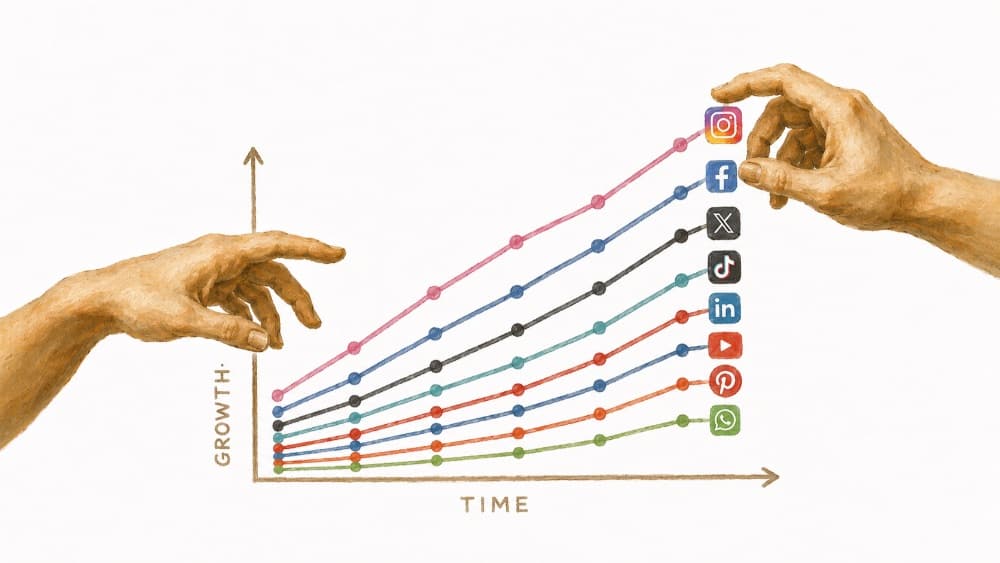
See follower growth, daily engagement, and your top-performing posts, all in one place, right inside your posting workflow.
Account groups

3 accounts in this group
Save groups of accounts for a client, a project, or a brand, and post to the right set every time, no re-picking accounts on every post.
See everything you've scheduled on one calendar, across every platform. Move things around, spot gaps, and manage multiple clients without losing track.
3 scheduled
Works the same inChatGPTOpenClawany MCP client
Connect ChatGPT, Claude, or another assistant you already use, and ask it to write and schedule your week. It only ever touches the accounts you approve, and nothing goes out until it's been checked.
See AI agent access - MCPRobyn R2m agoWhat tool do you use to post everywhere?
Thanks Robyn! I write and schedule everything with Get Posting.
Reply to Facebook, Instagram, X, YouTube, LinkedIn, and TikTok comments from one inbox, alongside DMs from Facebook, Instagram, X, and eligible TikTok Business Accounts.
Comparison
I built Get Posting because I wanted a faster, healthier way to manage my own social accounts, one that didn't eat my afternoon in re-uploads and didn't make me dread opening it.
Posts had to actually work. I'd had enough posts silently fail or captions get cut short from other tools, so Get Posting checks every post against each platform's real requirements before you publish, not after.
Managing more than one account had to be simple. That's why account groups exist: save the right set of channels once, for a client, a brand, or a project, and post to them in one click from then on.
A queue wasn't enough. It had to be planned. A real calendar, day view or month view, across every platform, beats scrolling a spreadsheet to remember what's going out when.
And above all, it had to be beautiful. You spend real time in this thing, so it should feel good to open.
Everything you need to spend less time on socials with more growth
Creator
Prices increase after the first 100 customers
For creators running their own handful of channels.
Pro
Prices increase after the first 100 customers
For professionals, freelancers & small teams.
Max
Prices increase after the first 100 customers
For agencies running social across every client.
Get Posting is built for creators, founders, freelancers, and small teams who post across multiple platforms and don't want to redo the same post six times. Account groups also make it a solid fit for social media managers juggling a few clients or brands.
Get Posting validates every post against real platform requirements before it publishes, so a failed TikTok upload or a caption that's too long doesn't slip through the way it can with other schedulers. Account groups also make it easy to manage multiple clients or brands, and the built-in content calendar means you're not planning posts in a separate spreadsheet.
You can post to X, Instagram, Threads, Facebook, LinkedIn, TikTok, and YouTube, all from one workspace. More platforms are on the way.
Yes. Write a full thread for X and Threads once and schedule it as one piece. Every post in the thread publishes in order.
Yes. Upload a video once and publish it as a Reel, a Short, a TikTok, or whatever each platform calls it, and schedule large files ahead of time without re-exporting or re-uploading for each one. Every version is checked against that platform's real limits before it goes live. Automatic compression and resizing of long video into platform-ready cuts is still something we're working on rather than something we ship today.
Yes. Organizations let your team manage accounts, posts, scheduling, and publishing history together. Teammates work inside Get Posting and use account groups without seeing the connected social account passwords.